



Product Overview
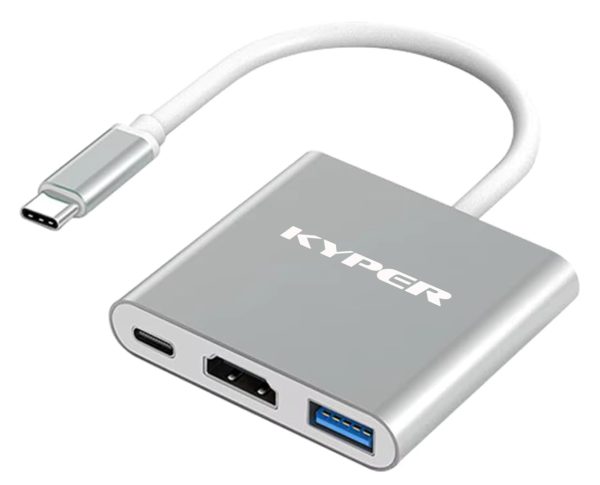
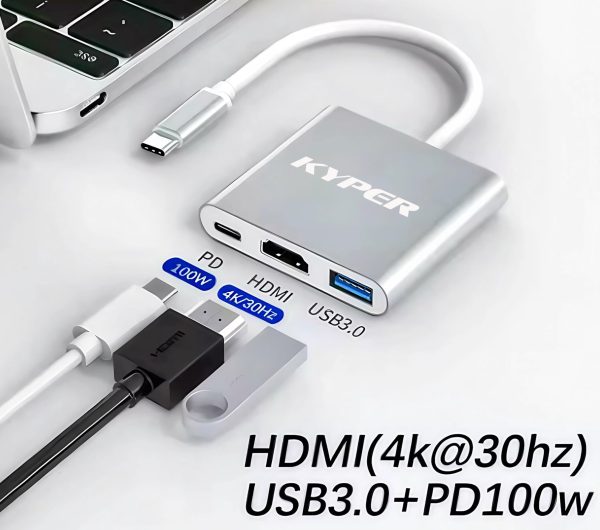
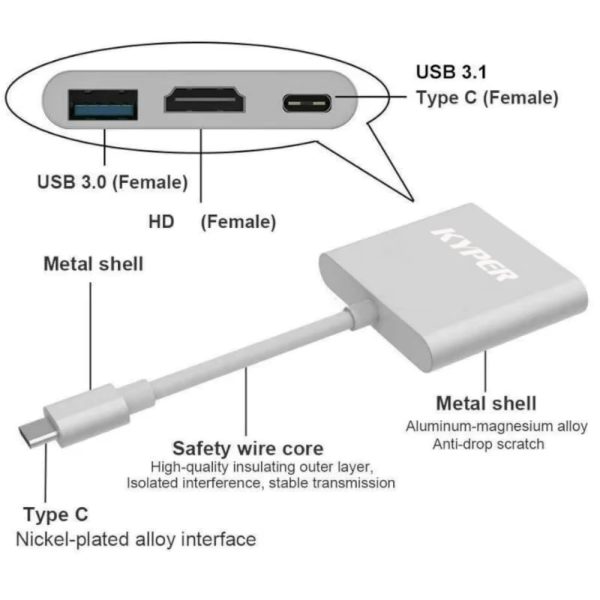
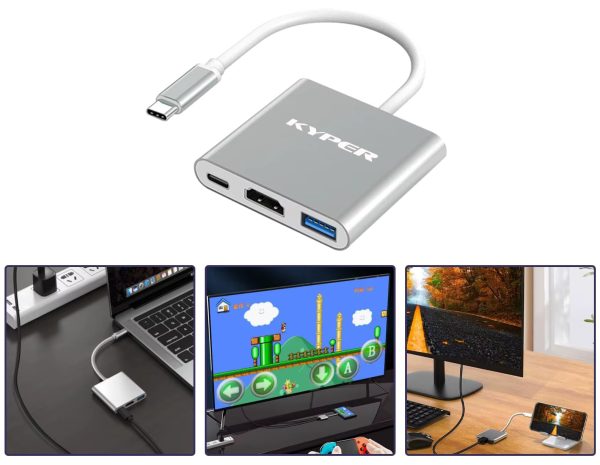
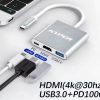
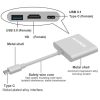
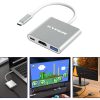
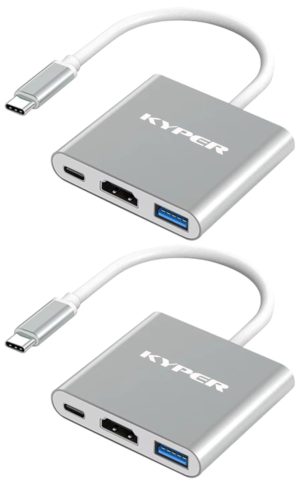
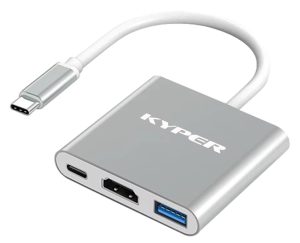
USKyper-984K expands a compatible USB-C port with HDMI, USB data and USB-C power-delivery connections.
Compatibility
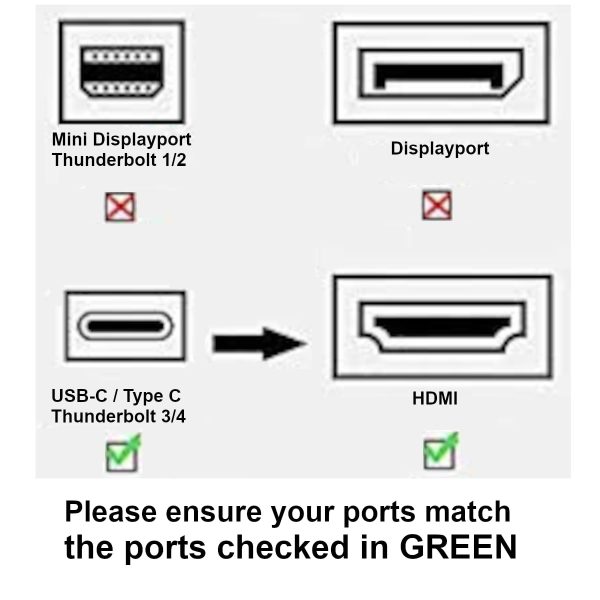
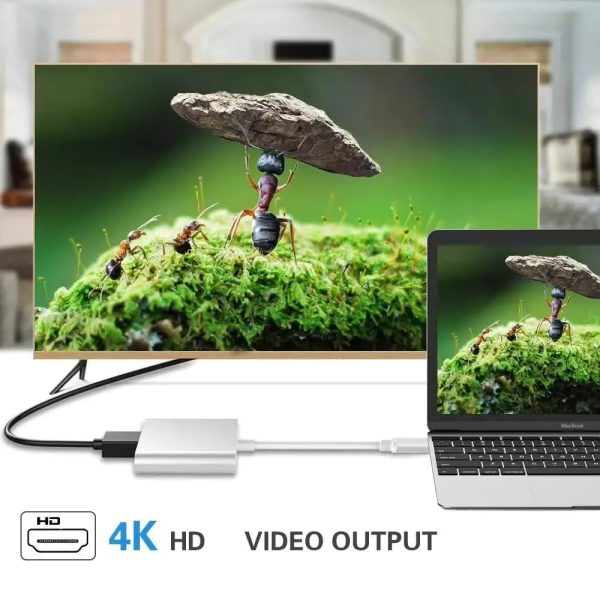
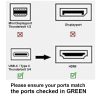
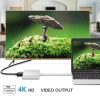
Requires a USB-C device that supports video output / DisplayPort Alt Mode for HDMI functionality.
Important Note
USB-C port capabilities vary by device. A USB-C connector alone does not guarantee video output or charging support.
Instructions
- Connect the hub to a compatible USB-C port.
- Connect the HDMI display, USB device and/or USB-C power adapter as needed.
- Select the correct HDMI input on the display.
- If HDMI does not work, confirm the host USB-C port supports video output.
- Disconnect and reconnect the hub if attached devices are not detected.
Reviews
There are no reviews yet.