



Product Overview
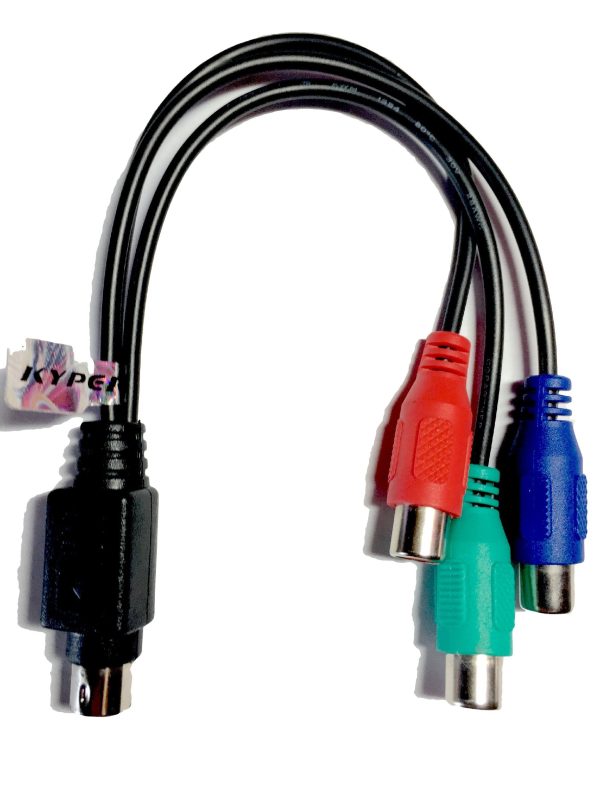
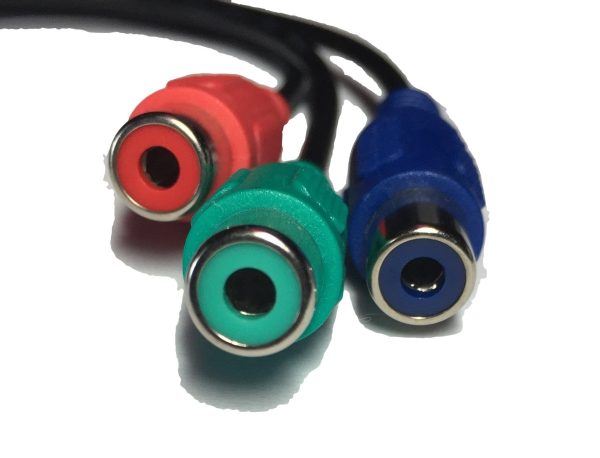
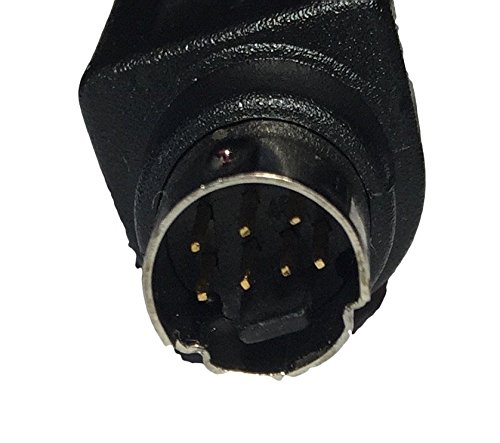
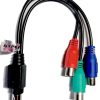
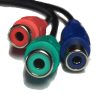
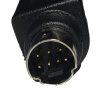
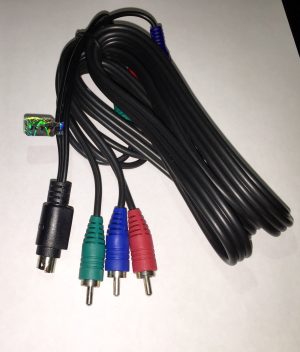
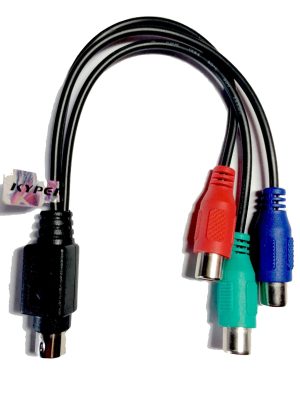
This cable adapts a compatible 7-pin mini-DIN video output to red, green and blue component-video RCA connections.
Compatibility
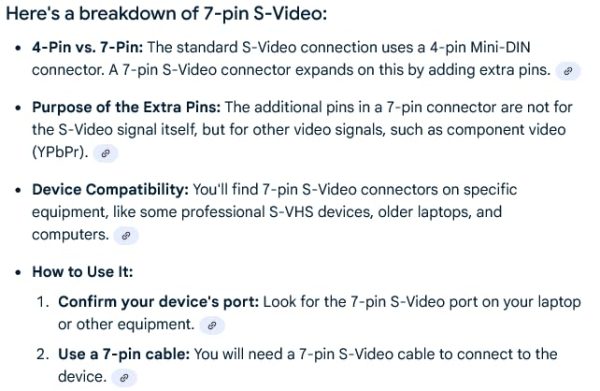
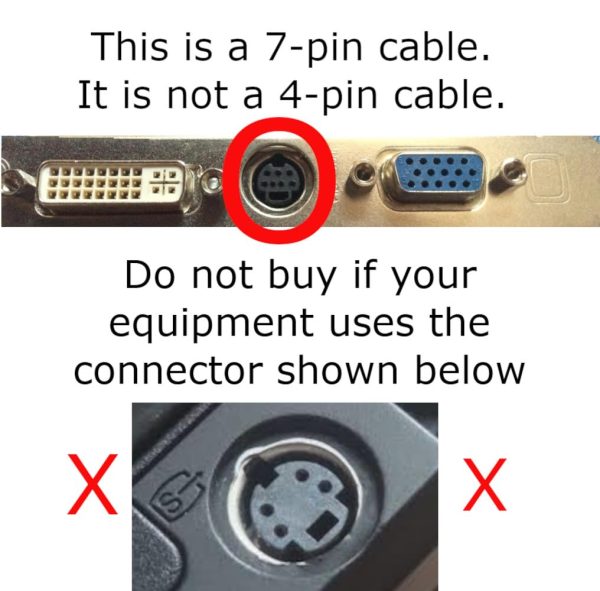
Only for devices specifically designed to output component video through a compatible 7-pin mini-DIN connector.
Important Note
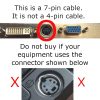
Not compatible with standard 4-pin S-Video ports. A matching connector does not guarantee electrical compatibility; verify the device pinout before use.
Instructions
- Verify the source device specifically supports component video through its 7-pin port.
- Connect the 7-pin plug to the compatible source device.
- Connect red, green and blue RCA plugs to the matching component-video inputs.
- Select the component-video input on the display.
- If no picture appears, disconnect the cable and verify the source-device pinout and output settings.
Reviews
There are no reviews yet.