

Product Overview
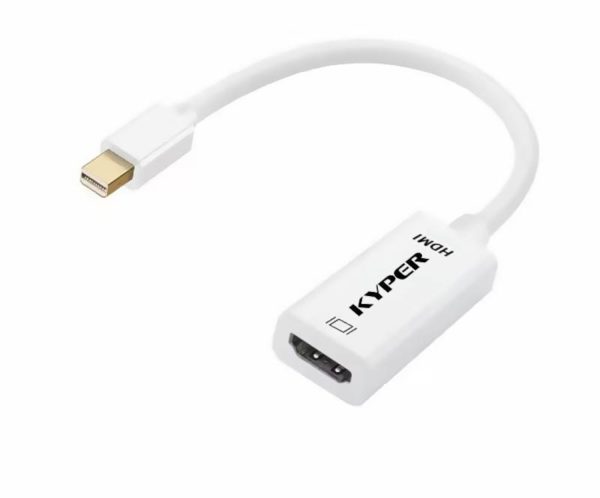
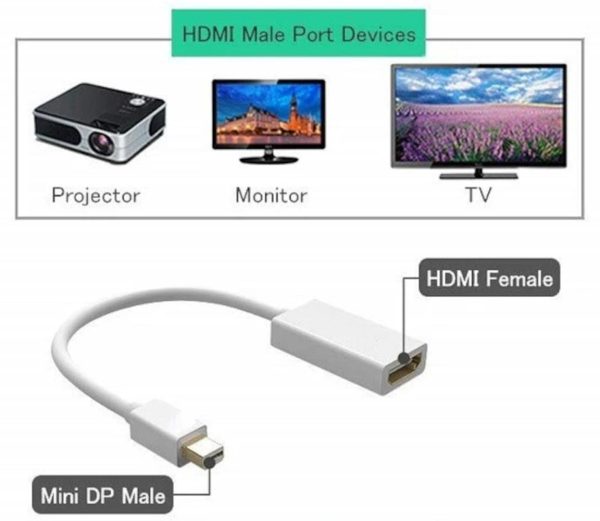
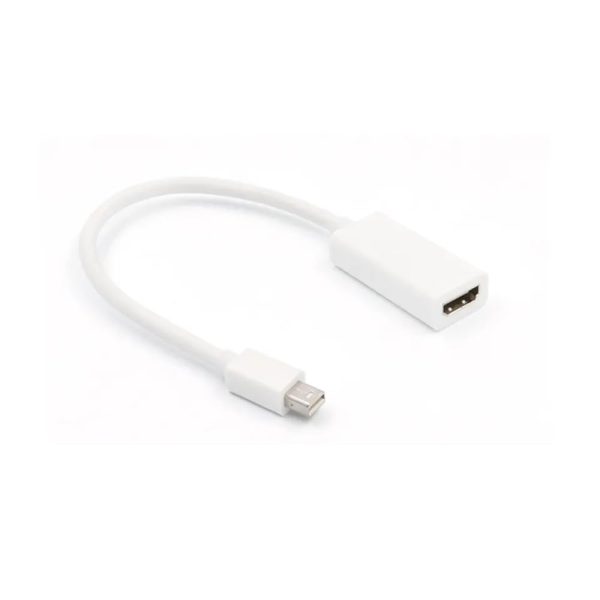
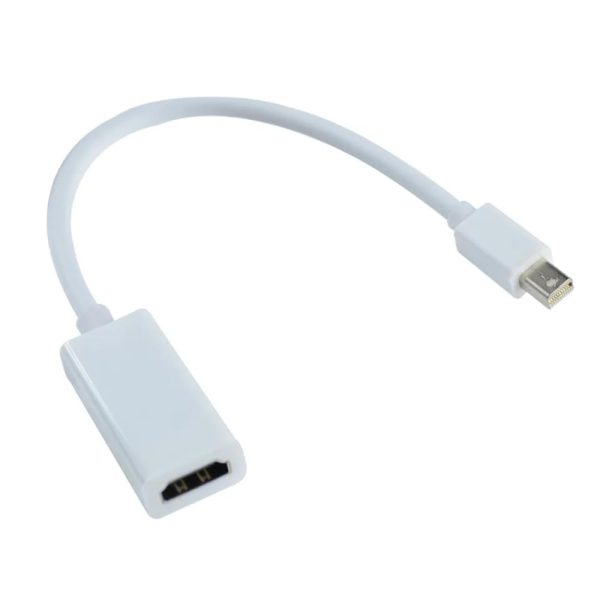
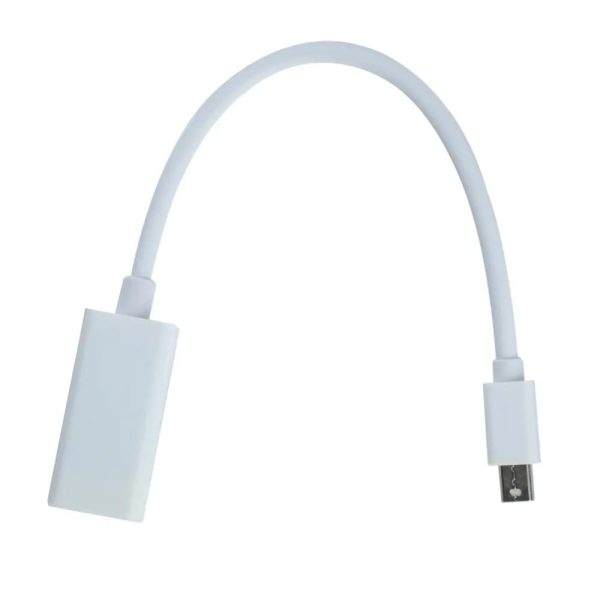
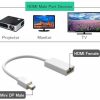
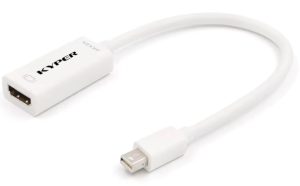
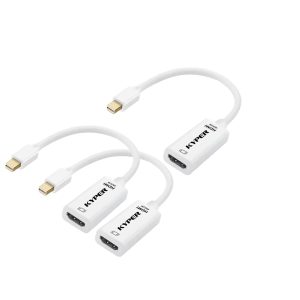
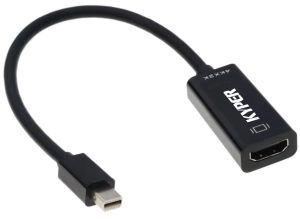
This adapter connects a Mini DisplayPort or Thunderbolt 1/2 video output to an HDMI display.
Compatibility
Designed for computers with Mini DisplayPort or Thunderbolt 1/2. Not for USB-C / Thunderbolt 3 or newer USB-C-style ports.
Video & Audio
Carries digital video and, on compatible source devices, digital audio through HDMI. Maximum resolution depends on the specific model, source device and display.
Important Note
A separate HDMI cable is required for adapter models with an HDMI female output.
Instructions
- Connect the Mini DisplayPort / Thunderbolt 1/2 end to the source device.
- Connect an HDMI cable from the adapter to the monitor, TV or projector.
- Select the correct HDMI input on the display.
- No driver installation is normally required.
- If no picture appears, verify the source device supports Mini DisplayPort video output and reconnect both ends.
Reviews
There are no reviews yet.