



Product Overview
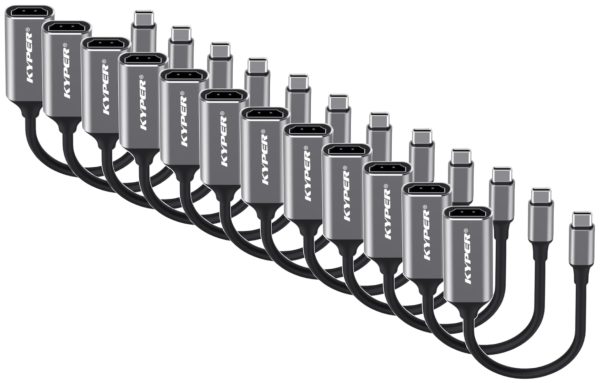
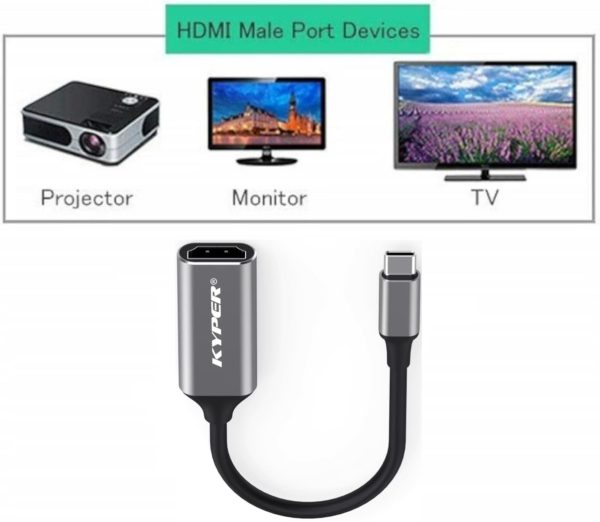
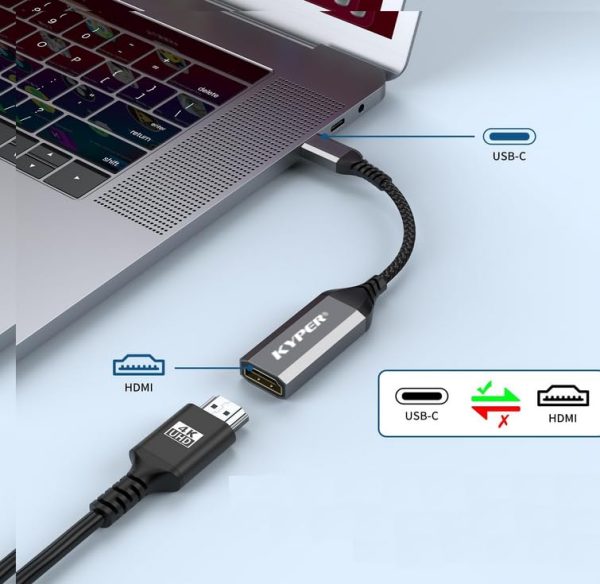
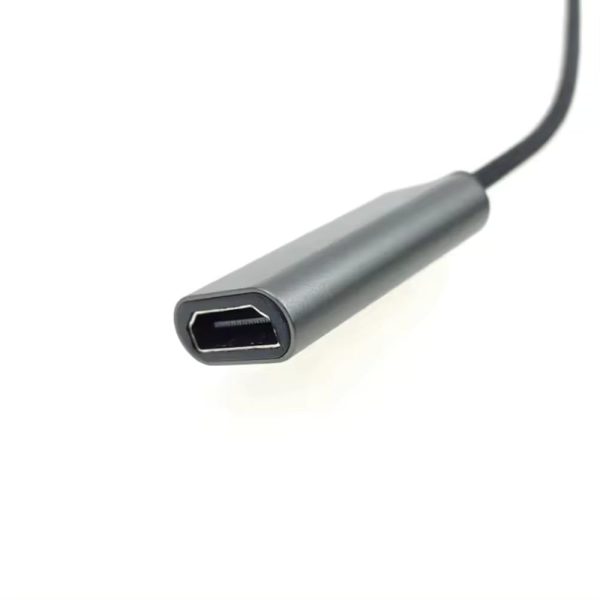
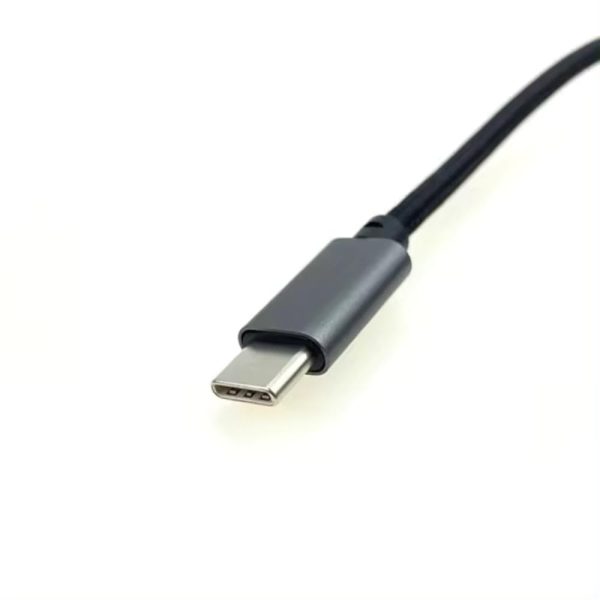
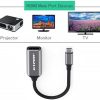
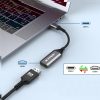
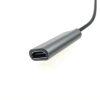
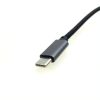
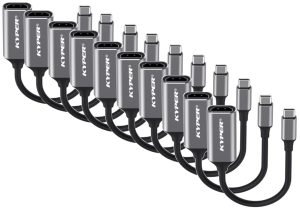
USKyper-484K converts video from a compatible USB-C port to HDMI.
Compatibility
Requires a USB-C port that supports video output / DisplayPort Alt Mode or compatible Thunderbolt video output.
Important Note
Not every USB-C port supports video. Confirm the host device supports external displays through USB-C.
Instructions
- Connect the USB-C end to a compatible source device.
- Connect an HDMI cable from the adapter to the display.
- Select the correct HDMI input.
- Configure mirroring or extended-display settings as needed.
- If no picture appears, confirm the USB-C port supports video output and reconnect the adapter.
Reviews
There are no reviews yet.