


Product Overview
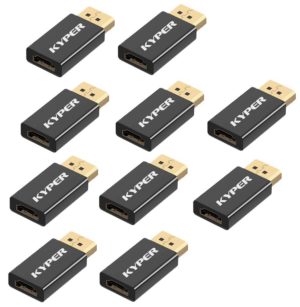
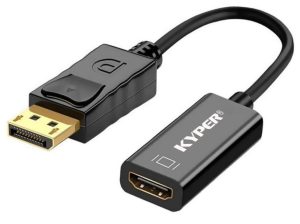
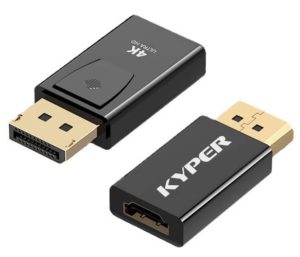
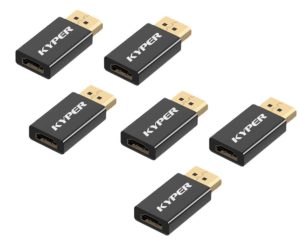
USKyper-504K converts a DisplayPort video output to HDMI for use with HDMI displays.
Compatibility
Designed for computers, laptops and graphics cards with DisplayPort output and monitors, TVs or projectors with HDMI input.
Signal Direction
Use from DisplayPort source to HDMI display. This is not intended to convert an HDMI source to a DisplayPort display.
Important Note
Maximum resolution depends on the specific model, source hardware and display capability.
Instructions
- Connect the DisplayPort end to the computer or graphics card.
- Connect an HDMI cable from the adapter to the display.
- Select the correct HDMI input on the display.
- Configure mirroring or extended-display settings as needed.
- If there is no picture, reconnect both ends and verify the DisplayPort source is active.
Reviews
There are no reviews yet.